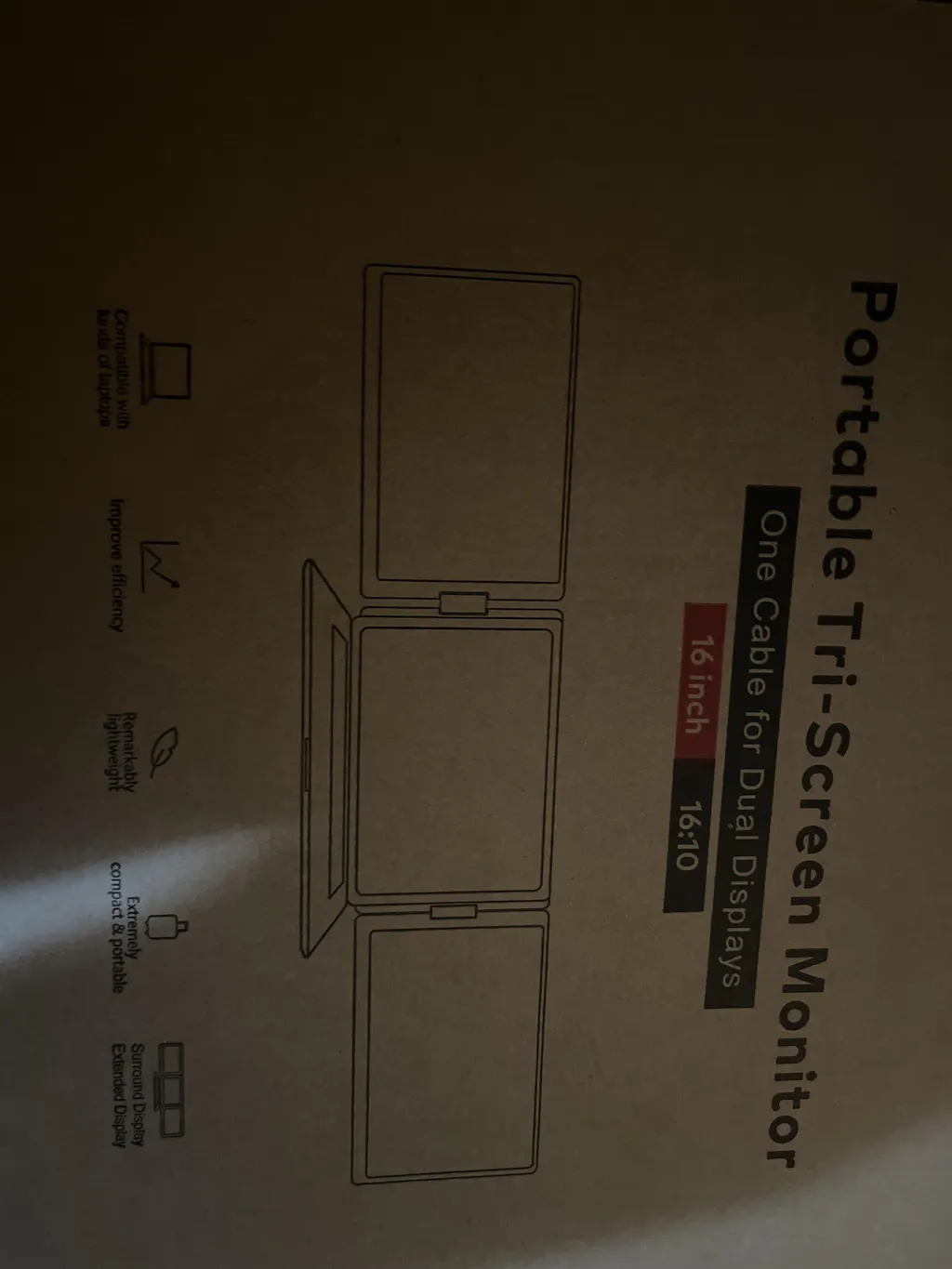
TUTT P7 15.6″ Triple Screen Portable Monitor | Dual USB-C + HDMI Setup | 1080p FHD IPS | Fits 13″–17.3″ Laptops | Built-In Speaker & H5 Video Transmission Cable Included
The TUTT P7 transforms any laptop into a three-screen workstation in under 30 seconds. Two 15.6-inch Full HD IPS displays fold out from behind your laptop screen and connect via two video ports — one USB-C and one HDMI, or two USB-C ports. Compatible with Windows, macOS (M1/M2 supported), Samsung DeX, Huawei Desktop Mode, game consoles, and Type-C smartphones.
TUTT™ H5 2-in-1 Conversion Cable: Required for 1080P dual-monitor extension on Mac (M1–M4) and Windows systems without a full-featured USB-C port.
⚠️ Attention: Driver installation is required. If using a corporate or government laptop, please verify you have IT permission before installing.
The P7 requires two video output ports on your laptop to drive both extended screens simultaneously — one for the left screen and one for the right screen. Most modern laptops have either two USB-C ports, or one USB-C and one HDMI port, which is ideal. See the connectivity section below for all wiring options.
Three Screens, One Device — Full Workstation in 30 Seconds
The P7 unfolds left and right from a single folding unit that stands behind your laptop. No clamps, no mounts, no desk accessories. Open the left panel first, then the right, place the built-in kickstand, and you have a three-screen setup ready to go. Both panels fold flat for travel and fit in the included leather carry bag alongside your laptop.
15.6″ FHD IPS Displays — Wide Color, Wide Angle
Both extended screens are 15.6-inch IPS panels running 1920×1080 Full HD at 60 Hz with 280 cd/m² average brightness. IPS technology ensures consistent color accuracy and no color shift when viewing from the side, making the P7 suitable for multi-person workflows, design reviews, and trading setups where viewing angle matters.
Dual Connectivity — USB-C + HDMI or Two USB-C Ports
The P7 offers two wiring configurations to suit different laptops:
-
Option A (Recommended): Two USB-C to USB-C cables — ideal for MacBooks with Thunderbolt/USB4, and Windows laptops with two full-featured USB-C ports
-
Option B: One USB-C to USB-C cable + one HDMI-to-Type-C cable — ideal for Windows laptops with one USB-C and one HDMI port (the most common laptop configuration)
-
Desktop computers: Connect via USB-A using the included USB-A to USB-C cable, with the power adapter connected to the P7's PD port for power supply
Broad OS & Device Compatibility
The P7 supports Windows 10/11, macOS (including Apple M1 and M2 chips), Samsung DeX desktop mode, Huawei MateBook desktop sharing, Chrome OS, Linux, and Android phones with USB-C video output. It also works with HDMI-equipped game consoles including Nintendo Switch (requires PD power supply), PlayStation 4, and Xbox, and with mini PCs and set-top boxes via HDMI.
180° Screen Rotation — Portrait and Landscape
Both extended panels rotate from fully flat (0°) to straight up (180°), allowing both landscape and portrait display orientations. Portrait mode is particularly useful for reading long documents, reviewing code files, monitoring real-time data feeds, or using social media and chat applications on the side. Physical rotation is smooth and can be combined with your OS display settings to flip the display orientation.
Built-In Speaker — Audio on All Three Screens
The P7 includes a built-in speaker that appears in your OS audio settings as “Welcome-L” and “Welcome-R” for the left and right panels. You can route audio to either extended screen directly from Windows Sound Settings or macOS System Preferences > Sound > Output, without any additional audio cables or adapters.
Per-Panel Hardware Controls — Brightness, Volume, Contrast
Physical multi-function buttons on each panel let you adjust backlight brightness and volume directly without opening any software menus. Press and hold 2 seconds to return to the main menu; press and hold 3 seconds to power off a panel. Independent control per screen means you can dim one display while keeping the other at full brightness — useful in asymmetric lighting environments.
Ultra-Thin Build — 22.1 mm Folded
At 22.1 mm thick when folded, the P7 slips easily into the sleeve of any standard laptop bag. Total weight is 1.82 kg (approx. 4.0 lbs). Folded footprint is 381 × 238.5 mm — close to A4 paper size — and travels in the included premium leather carry bag that protects the panels during transport.
Technical Specifications
| Model |
P7 (Triple Screen Laptop Screen Extender) |
| Screen Size (per panel) |
15.6 inches |
| Resolution |
1920 × 1080 (Full HD / 1080p) |
| Panel Type |
IPS LCD — wide viewing angle |
| Refresh Rate |
60 Hz |
| Average Brightness |
280 cd/m² |
| Aspect Ratio |
16:9 |
| Screen Rotation |
0°–180° |
| Ports |
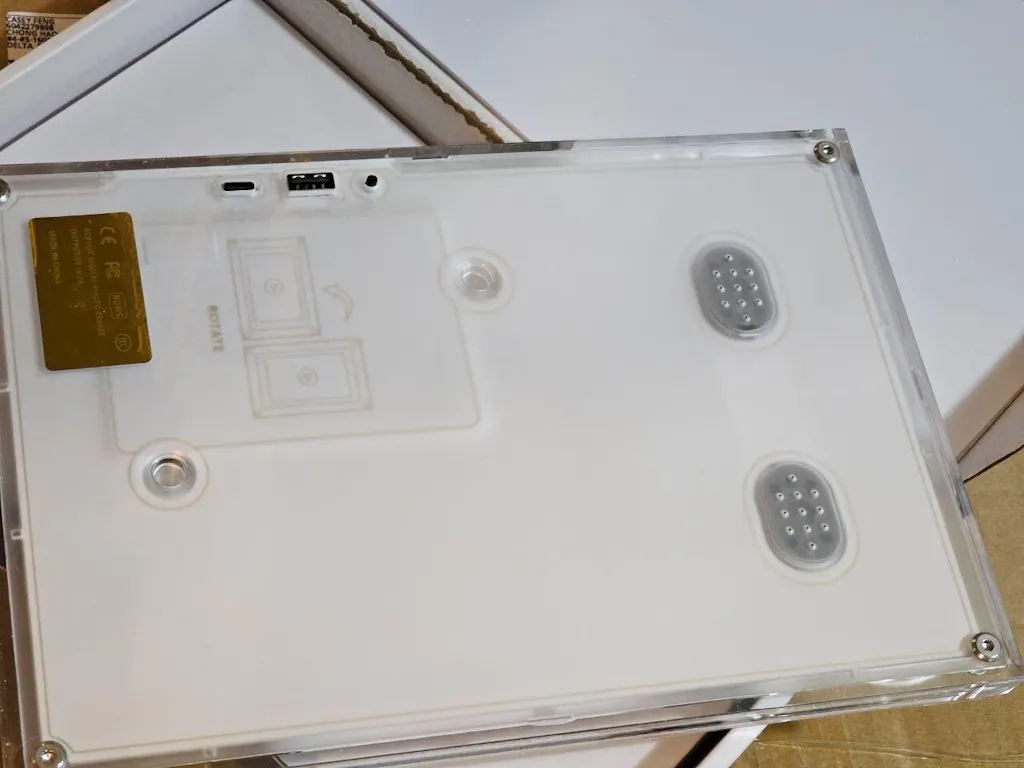
TYPE-C ×2 + TYPE-C PD (power input) — 3 ports total |
| Type-C Input |
5V–20V / 5A Max |
| Type-C Output (PD) |
5V–20V / 4A Max |
| Video Signals Required |
2 (one per extended screen) |
| Driver Required |
No — plug & play via DisplayPort Alt Mode |
| Speaker |
1 built-in speaker (audio selectable in OS) |
| Compatible Laptop Size |
13″ – 17.3″ |
| Compatible OS |
Windows 10/11, macOS (M1/M2), Android, Chrome OS, Linux |
| Device Compatibility |
Nintendo Switch (with PD power), PS4, Xbox, Samsung DeX, Huawei Desktop, smartphones, mini PCs |
| Display Controls |
Hardware buttons: brightness, volume, contrast, menu, power |
| Folded Dimensions |
381 × 238.5 × 22.1 mm |
| Weight |
1.82 kg (approx. 4.0 lbs) |
| Operating Temperature |
−20°C to 60°C |
| DC Power Input |
5V–20V ± 2V |
TWO PORTS REQUIRED: The P7 uses two separate video signals — one per screen. Your laptop must have two full-featured video output ports (any combination of USB-C DisplayPort Alt Mode + HDMI, or two USB-C DP Alt Mode ports). Charging-only USB-C ports are not compatible for video output.
Plug & Play — No Driver Installation Required: The P7 works via DisplayPort Alt Mode. When connected to a full-featured USB-C port, your laptop automatically recognizes the display. No driver disc or USB flash disk is needed. For HDMI connections, use the included HD-to-Type-C cable.
External Power: If your laptop's USB-C port delivers less than 15W, connect the included power adapter to the P7's dedicated PD port for stable brightness and performance. The included adapter powers this product only — do not use it to charge other devices.
Laptop Pass-Through Charging: If you need to charge your laptop through the P7 during use, connect a PD 65W or higher external adapter to the P7's power port and use a USB-C to USB-C cable between the P7 and your laptop's charging port.
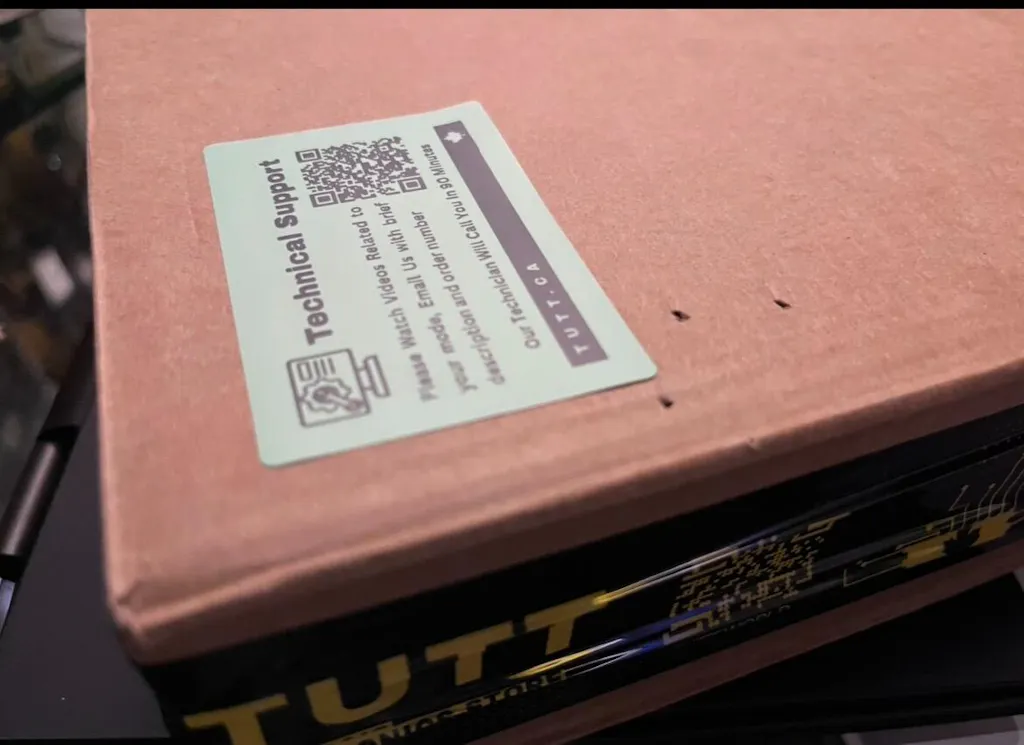
Technical Support: For setup help, please include your order number. A certified technician will contact you within 90 minutes. Video call support is also available on request.
What's in the Box
- TUTT P7 Triple-Screen Monitor Unit
- USB-C to USB-C Cable ×1
- HD (HDMI) to Type-C Cable ×1
- USB-A to USB-C Cable ×1
- Power Adapter (5V–20V, for P7 only — do not use on other devices)
- Premium Leather Carry Bag
- User Manual
- 1 × H5 2-in-1 Video Transmission Cable (for MacBook M1/M2/M3/M4)

TUTT P7 vs TUTT P7 PRO — Which Model is Right for You?
Both models share the same 15.6″ IPS 1080p panels, same physical size, weight, and build quality. The key difference is how they connect to your laptop and the flexibility they offer.
| Feature |
P7 (This Listing) |
P7 PRO |
| Cables needed to drive both screens |
2 cables (1 per screen) |
1 cable (single USB-C drives both) |
| Laptop ports required |
2 video ports (2×USB-C or 1×USB-C + 1×HDMI) |
1 USB-C port only |
| HDMI video input |
✓ Supported — includes HDMI-to-Type-C cable |
✗ Not supported |
| Display technology |
DisplayPort Alt Mode (USB-C DP) |
SMI USB Display (USB 3.0 over Type-C) |
| Driver installation |
Not required — plug & play |
Required — SMI driver via USB Flash Disk (Windows: .exe / Mac: InstantView) |
| USB Flash Disk (driver) included |
✗ Not included |
✓ Included |
| Samsung DeX / Huawei Desktop support |
✓ Yes |
Not specified |
| Nintendo Switch / PS4 / Xbox support |
✓ Yes (via HDMI + PD power) |
Not specified |
| Type-C smartphone compatibility |
✓ Yes |
Not specified |
| Audio device name in OS |
Welcome-L / Welcome-R |
SMI USB Audio |
| Cables included |
USB-C to USB-C ×1 • HDMI-to-Type-C ×1 • USB-A to USB-C ×1 |
USB-C to USB-C ×2 • USB-A to USB-C ×1 |
| Best for |
Laptops with HDMI + USB-C, or two USB-C ports; consoles; smartphones; no-driver setups |
MacBooks or laptops with only one USB-C port; users who want single-cable simplicity and are comfortable installing a driver |
| Screen size (per panel) |
15.6 inches — same on both models |
| Resolution |
1920 × 1080 FHD — same on both models |
| Refresh rate |
60 Hz — same on both models |
| Average brightness |
280 cd/m² — same on both models |
| Screen rotation |
0°–180° — same on both models |
| Max laptop size supported |
Up to 17.3″ — same on both models |
| Folded dimensions |
381 × 238.5 × 22.1 mm — same on both models |
| Weight |
1.82 kg — same on both models |
| PD power port |
Yes, on both models |
| Built-in speaker |
1 speaker — same on both models |
| Hardware buttons (brightness, volume) |
Yes — same on both models |
| Power adapter included |
Yes — same on both models |
| Leather carry bag included |
Yes — same on both models |
| Compatible OS |
Windows 10/11, macOS M1/M2 — both models |
If your laptop has a dedicated HDMI port and one USB-C port (most common Windows laptop configuration), the P7 is your ideal match. If you use a MacBook Air/Pro with only USB-C/Thunderbolt ports and want the simplest one-cable setup, consider the P7 PRO.
Technical Support
All TUTT monitors are sold with certified Canadian technical support. Provide your order number and a technician will contact you within 90 minutes. Video call setup assistance is also available on request.