Attachable Extenders
Side-mounted screens for compact multi-window work.
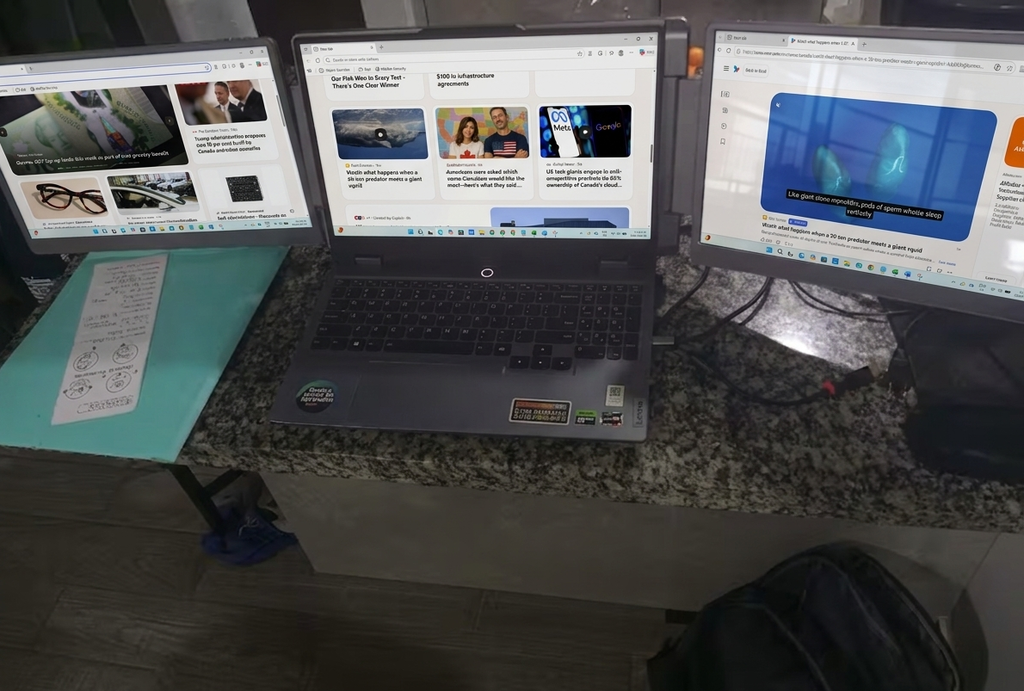
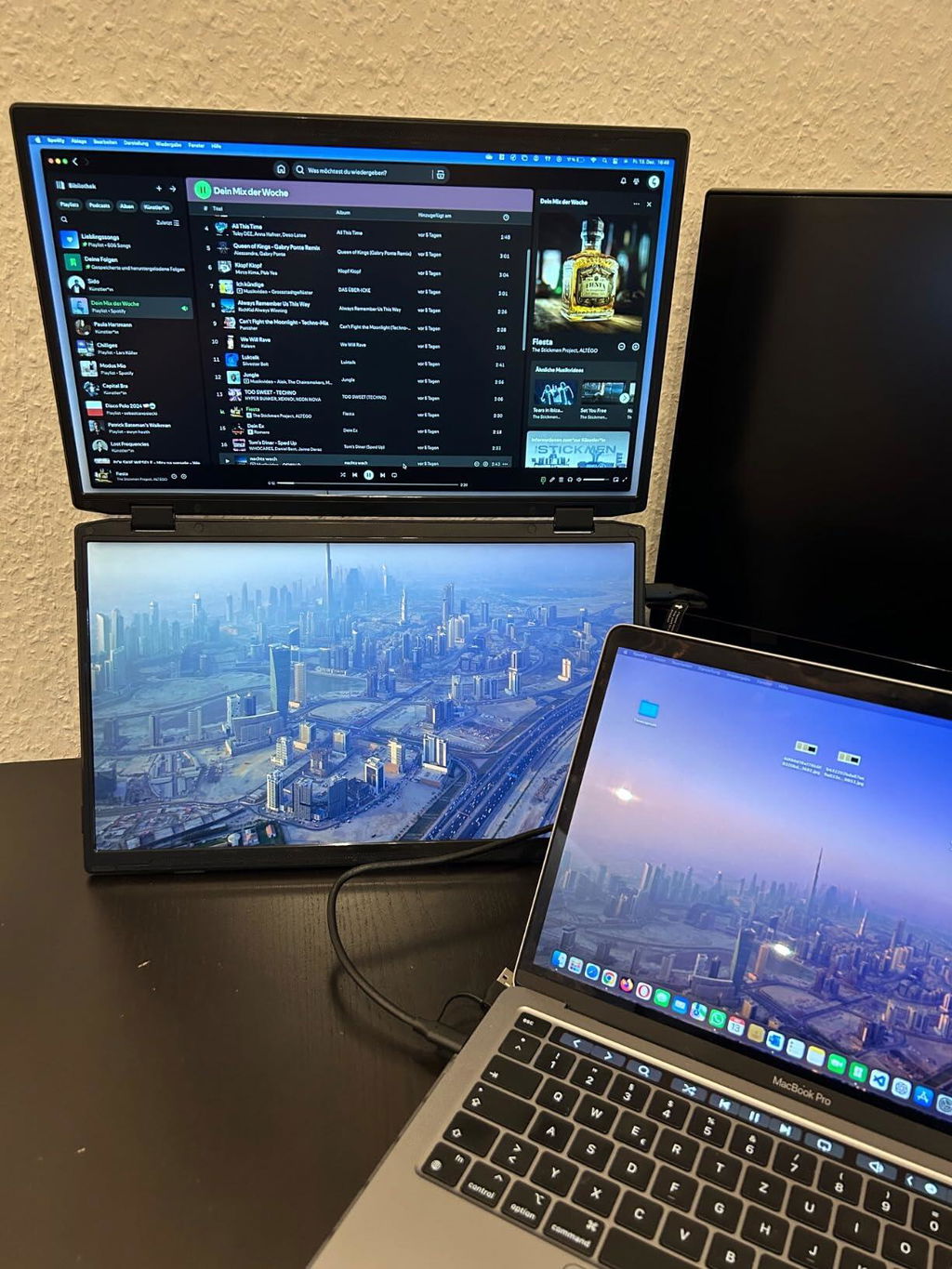
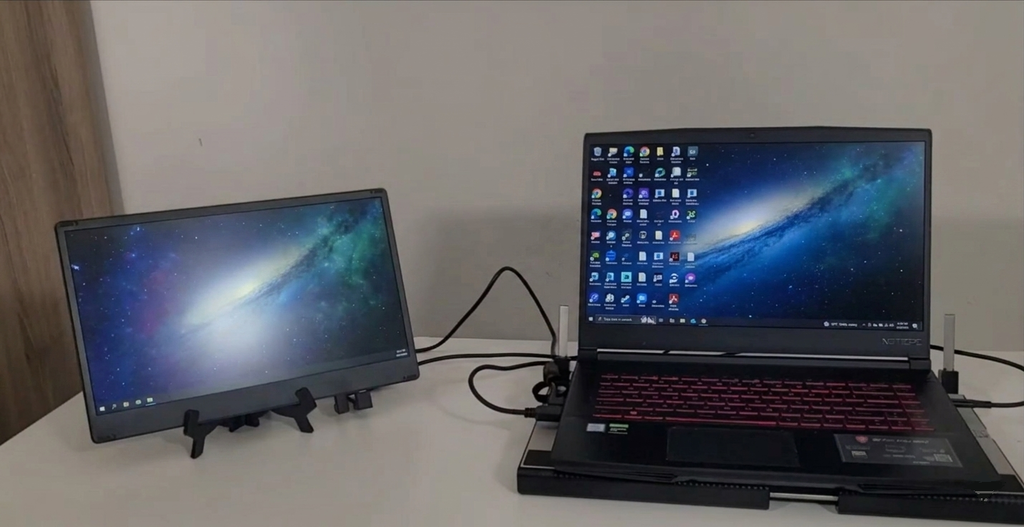
Explore TUTT’s portable monitors for dual-screen laptop use in Canada, including dual screen extenders, single-cable laptop screen extenders, stacked portable monitors, attachable laptop screen extenders, and standalone dual portable monitors. Users searching for a USB laptop screen extender in Canada can compare dual-screen options for MacBook, Windows laptops, travel workstations, business productivity, and compatible devices.
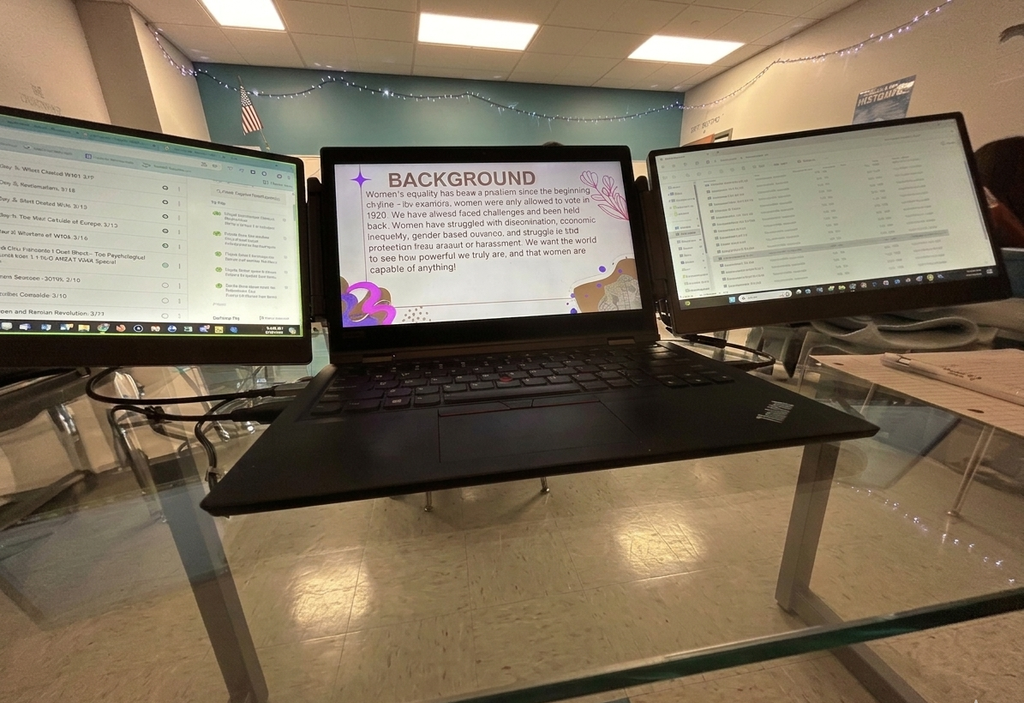
Side-mounted screens for compact multi-window work.
Independent layouts for desks and flexible positioning.
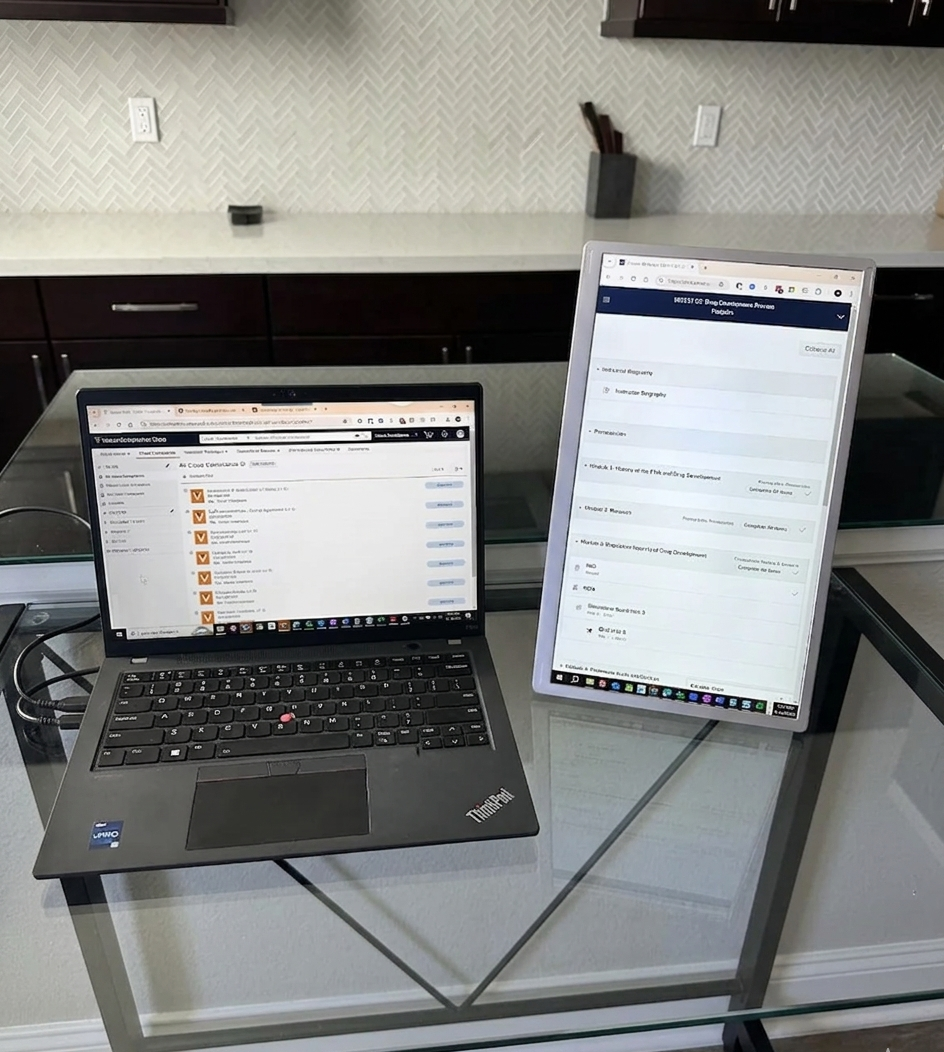
Vertical dual-screen setups for limited desk width.
Cleaner USB-C setups when video and power are supported.
Portable dual monitor setups for mobile productivity.
Dual displays for spreadsheets, dashboards, and operations.

Choose your dual screen extender by checking size, compatibility, and screen orientation.

Ask Bee Logic to check your laptop family, ports, and setup path before choosing a portable monitor.
 Bee Logic Powered by BadBee.io
Dual Screen Finder
Compare dual screen portable monitors in one place, review product images, connection type, setup notes, technical specifications, compatibility signals, and use cases before choosing.
Compare dual screens
View all media
Check connection type
Review setup notes
Open Finder
Bee Logic Powered by BadBee.io
Dual Screen Finder
Compare dual screen portable monitors in one place, review product images, connection type, setup notes, technical specifications, compatibility signals, and use cases before choosing.
Compare dual screens
View all media
Check connection type
Review setup notes
Open Finder

My 1st ever drone. took some time to get used to it but it works great
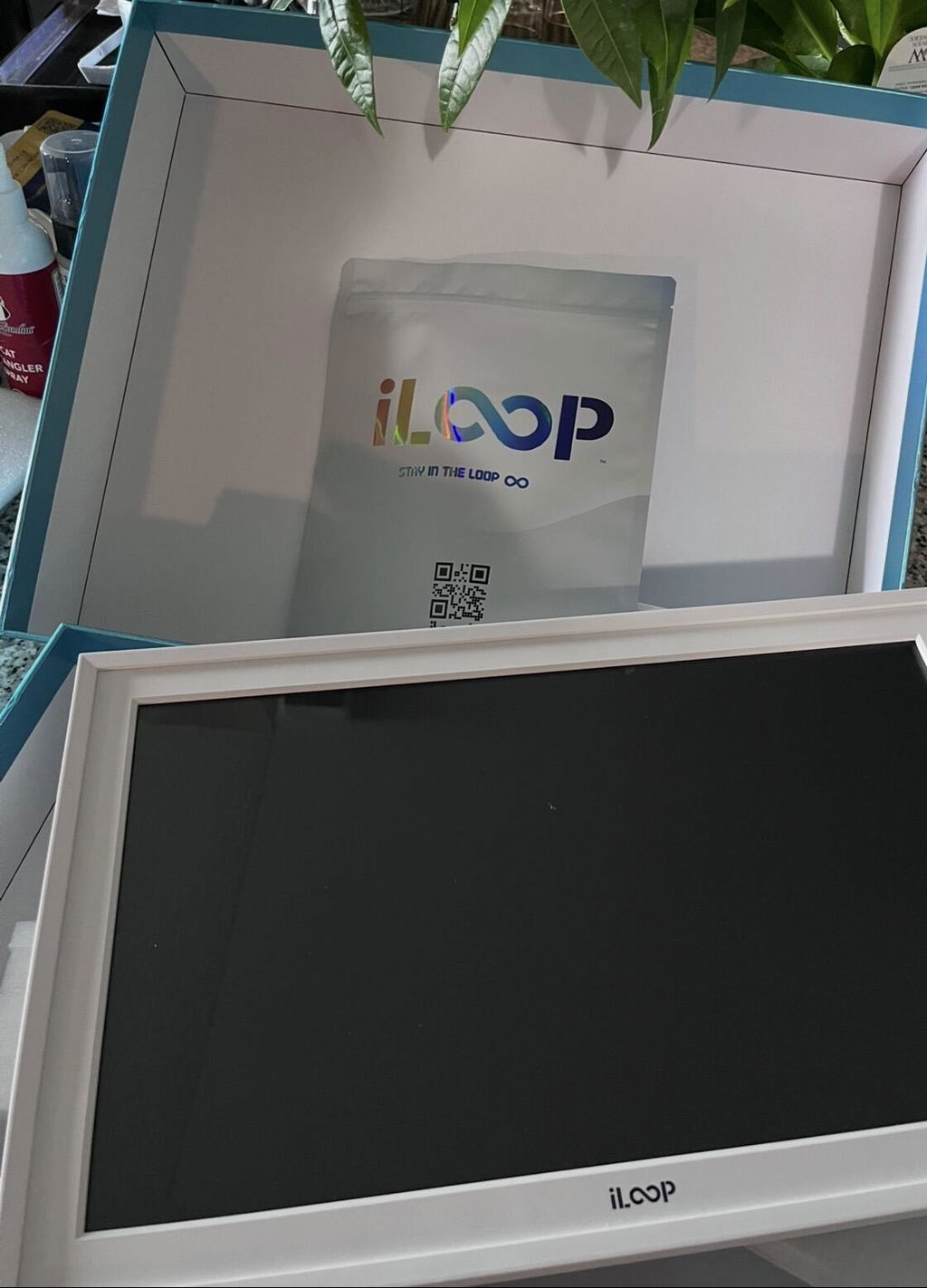
We purchased 2 units for gift purposes. We haven’t tried the features but assuming it works as advertised the presentation n packaging is above regular products in market.
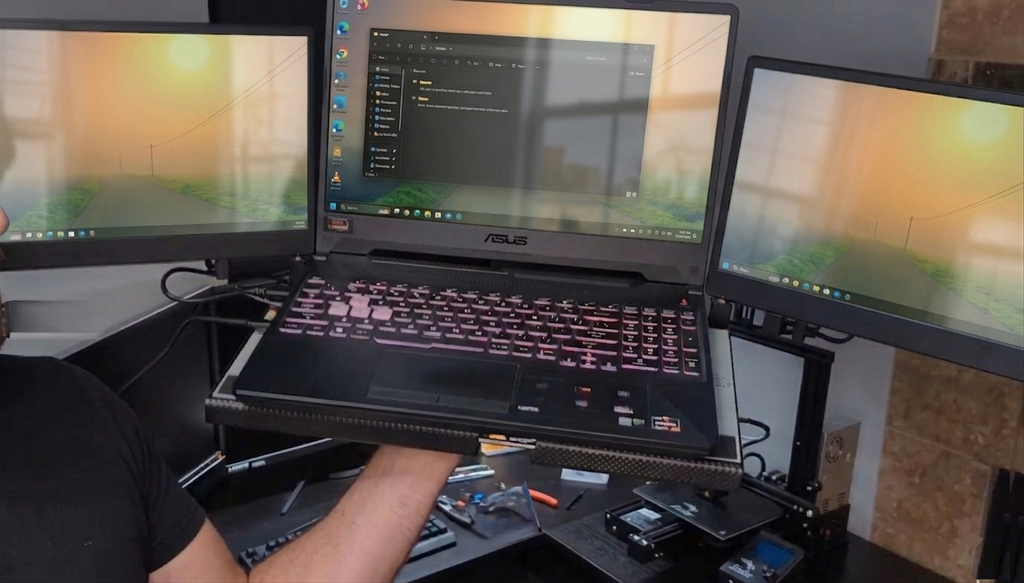
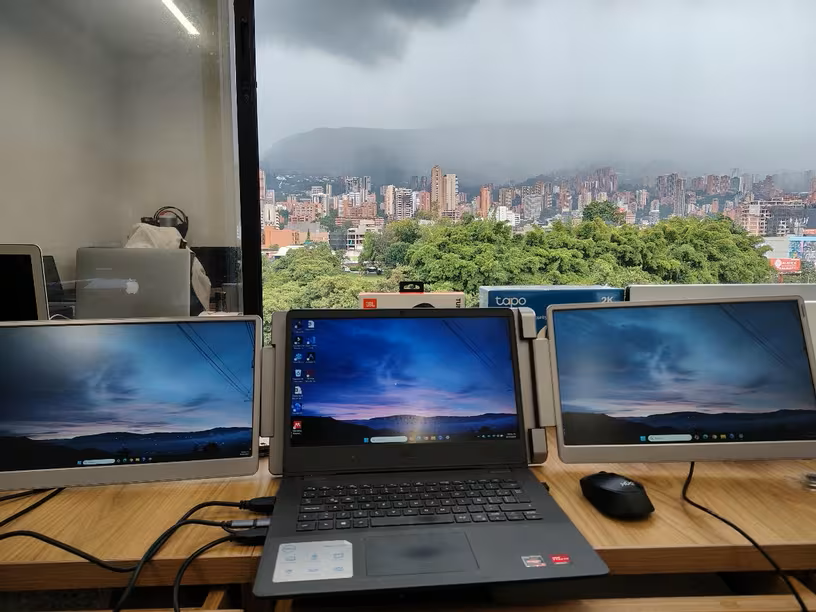
It has a docking-style base where I can place my laptop, which helps with cooling and keeps everything secure. The whole setup feels very stable, making it portable for a triple screen. I can even move the entire setup with one hand.
I used the technician support through a video call, and they showed me how simple the setup process really was.
I like being able to position the screens at different angles; horizontally, vertically, or even with full 360 degree rotation. It makes it much easier to work with my clients and share what's on my screen. The included carrying case is also a nice bonus.
I had a monitor with a separate stand so I could position it above my laptop, but that setup was only useful for certain tasks. I recently switched to the S3 model, and I find it much more practical for multitasking. The stand is sturdy and I can adjust the screens to a comfortable viewing angle.
The folding design and full rotation feature are great because I can adjust the screens to any angle I want. It worked well with my Xbox, and the hinges feel very durable and solid.
Is exactly as described,
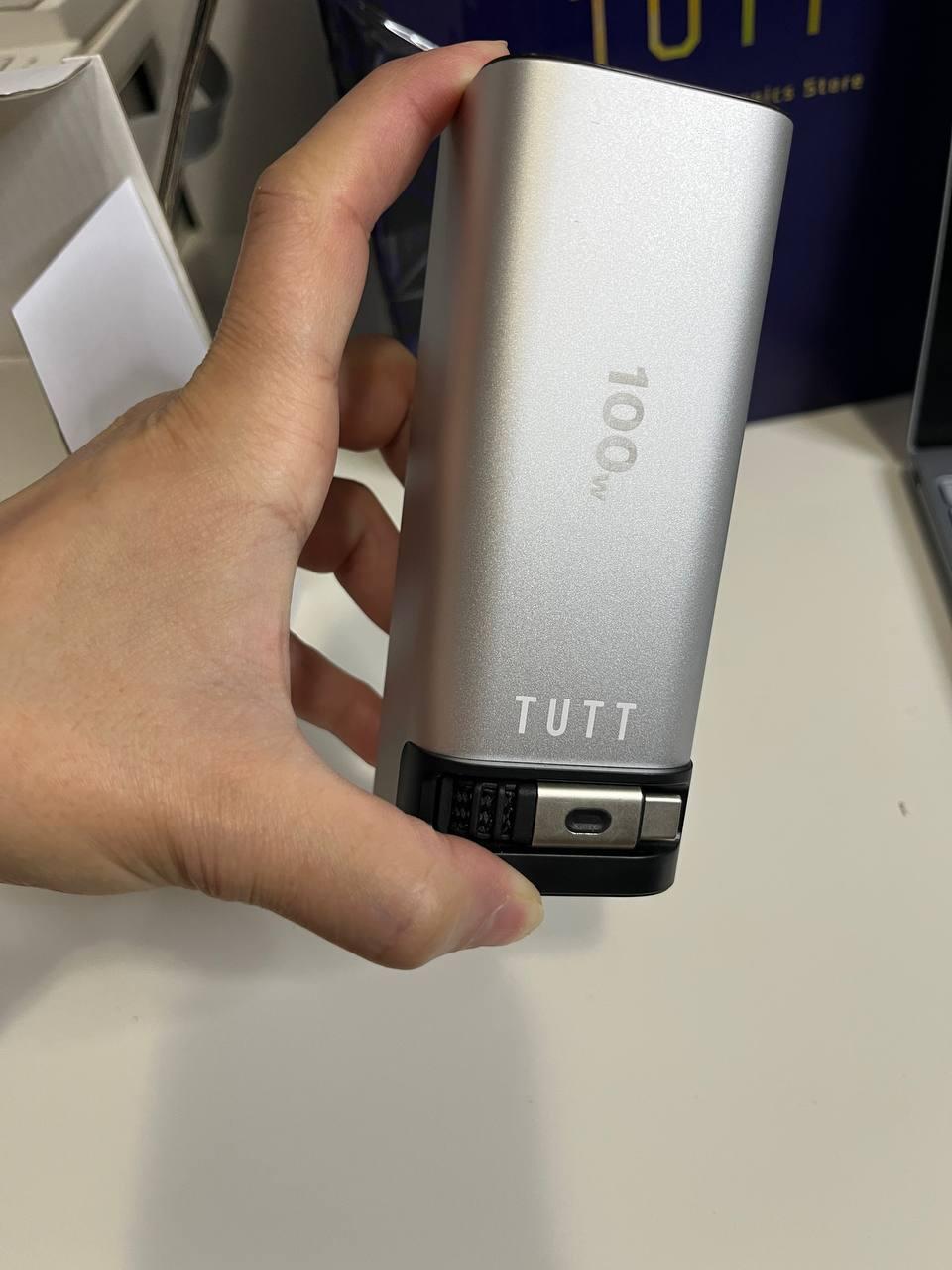
I like that it charges itself quickly. It charges phone faster than using a wall outlet.
My favorite feature is the 360° rotation. I've carried the whole setup around with the screens attached, and the hinges feel sturdy enough that I'm not worried about them breaking.
Very lightweight
Charging speed feels strong
It does not take much space in my backpack. It is powerful enough to charge my laptop quickly.
I had no worries for compatibility: it works immediately with my desktop PC and laptop. The power supply and the display go through a single cable, which is very convenient.
It worked perfectly with my Dell Vostro. I had to use an HDMI adapter because I don't have USB-C ports.
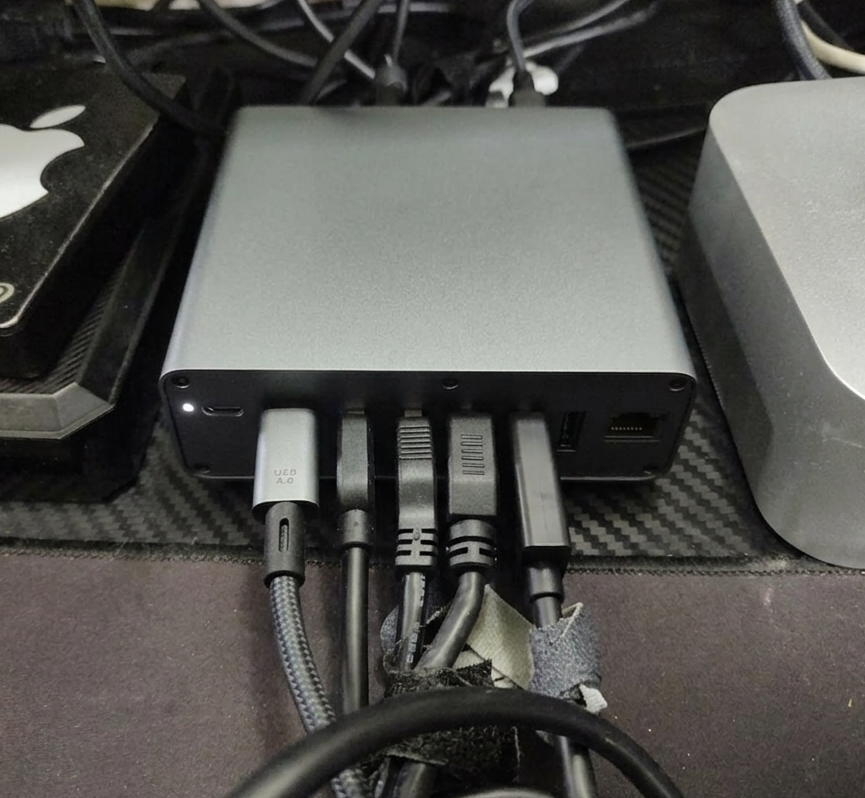
All the ports work perfectly. I have two monitors, a TV, and headphones connected, and everything works without issues. My only complaint is that the USB 4.0 cable is a bit short.
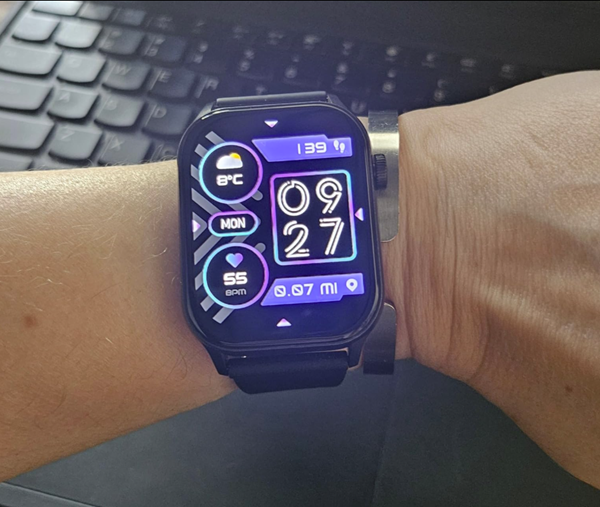
With the 4G connection on this watch, I can leave my phone in the car and not have to carry it everywhere. The GPS feature has also been useful so far.
It is a nice watch for daily use but it didn't include GPS.
Store offers tech products with fast shipping and helpful technical support. Customers appreciate single-cable setups, quality screens, and good packaging. Some delivery delays reported. Products include monitors, smartwatches, calendars, and accessories. Over...
{"one"=>"Select 2 or 3 items to compare", "other"=>"{{ count }} of 3 items selected"}